
How to change SIP port in FreePBX
In order to change the SIP port for chan_pjsip from the default port 5060 to a custom value first go to Settings => Asterisk SIP Settings
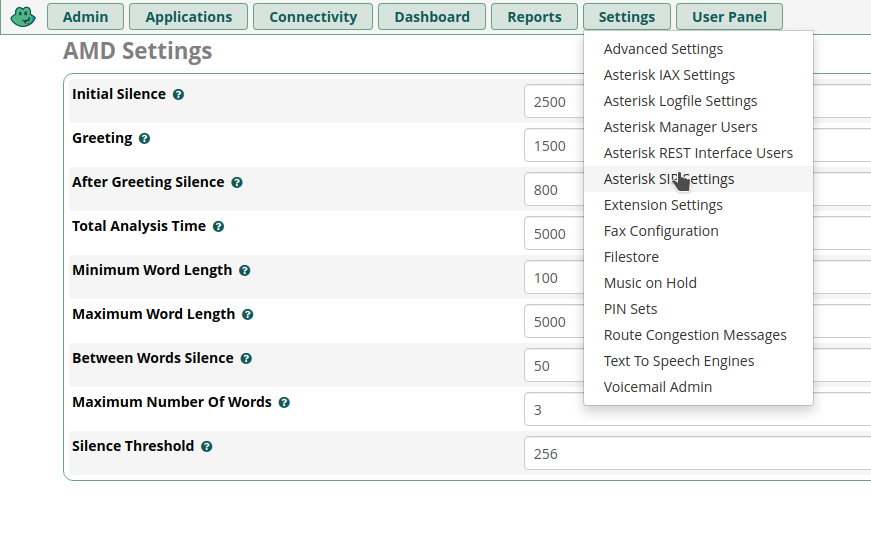
Then go to the **SIP settings [chan_pjsip]**tab:

Now scroll down to the bottom of the page and look for Port to Listen On:
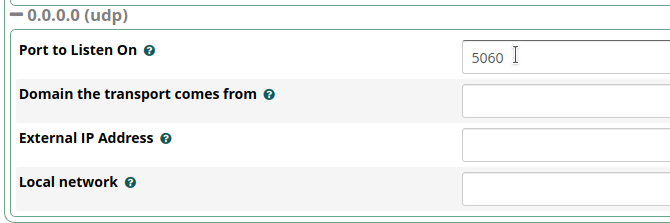
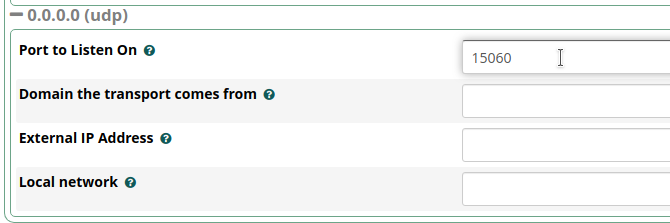
Change it to the desired port, e.g. 15060
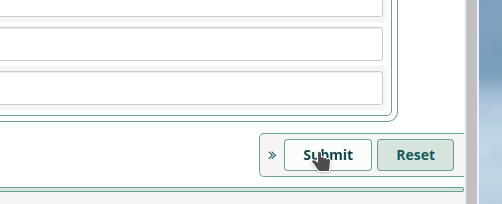
click Submiton the bottom right
After that, don’t forget to click Apply Config on the top right

You also need to Restart Asteriskafter the change.
Check out similar posts by category:
FreePBX
If this post helped you, please consider buying me a coffee or donating via PayPal to support research & publishing of new posts on TechOverflow