
How to fix MikroTik RouterOS Couldn't add New Firewall Address List - ... is not a valid dns name (6)
Problem:
If you want to add a MikroTik Address List e.g. for use in firewall rules like this:
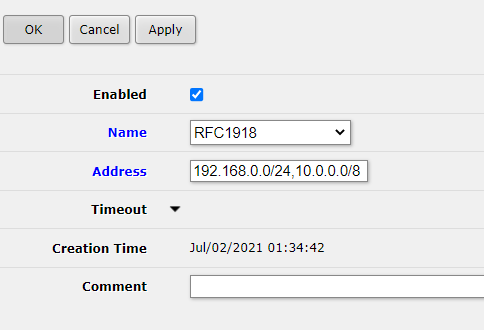
you see an error message like
mikrotik_addrlist_error.txt
Couldn't add New Firewall Address List - 192.168.0.0/24,10.0.0.0/8 is not a valid dns name (6)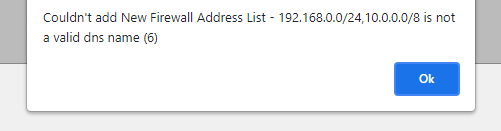
Solution
You can’t add multiple addresses to an address list at once. The way to add multiple addresses to an address list is to create multiple entries with the same Name.
See our detailed guide on How to add multiple addresses to MikroTik RouterOS address list using WebFig for more details on how to achieve that in WebFig.
Check out similar posts by category:
MikroTik, Networking
If this post helped you, please consider buying me a coffee or donating via PayPal to support research & publishing of new posts on TechOverflow