
How to pair Logitech Unifying receiver Keyboard & Mouse on Ubuntu
First, install Solaar (a program to manage Logitech devices) using
install_solaar.sh
sudo apt -y install solaarNow, run solaar by entering solaar in the start menu or Alt+F2 dialog or a shell.
The Solaar window will appear, and automatically pair available devices:
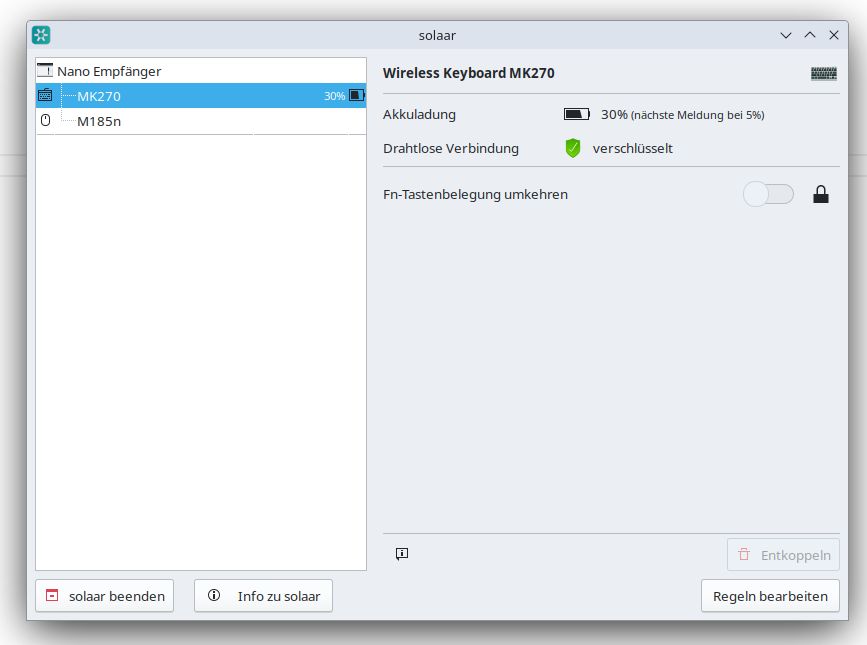
You can pair additional devices or change settings by using Solaar.
See the Solaar documentation for more info.
Check out similar posts by category:
Linux
If this post helped you, please consider buying me a coffee or donating via PayPal to support research & publishing of new posts on TechOverflow