
KiCAD "Unable to add inotify watch: (error 28: No space left on device)" unter Linux beheben
English
Deutsch
Problem:
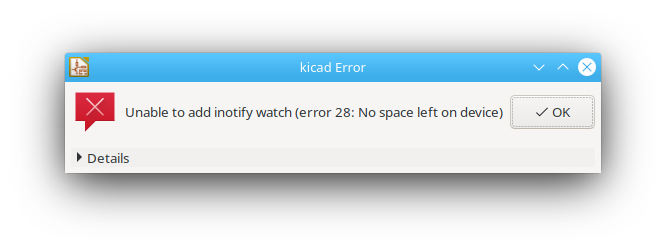
Beim Öffnen von KiCAD unter Linux erscheint die Fehlermeldung Unable to add inotify watch: (error 28: No space left on device):
Lösung
Die Anzahl der inotify-Watches, die gleichzeitig aktiv sein können, muss erhöht werden:
increase_inotify_watches.sh
echo fs.inotify.max_user_watches=65536 | sudo tee -a /etc/sysctl.conf && sudo sysctl -pund dann KiCAD neu starten.
Check out similar posts by category:
KiCAD
If this post helped you, please consider buying me a coffee or donating via PayPal to support research & publishing of new posts on TechOverflow