
Wie man Docker Seafile Forbidden behebt - CSRF-Verifizierung fehlgeschlagen
Problem
Beim Starten Ihrer dockerisierten Seafile-Instanz sehen Sie möglicherweise die folgende Fehlermeldung direkt nach dem Login:
seafile_error.txt
Forbidden (403)
CSRF verification failed. Request aborted.

More information is available with DEBUG=True.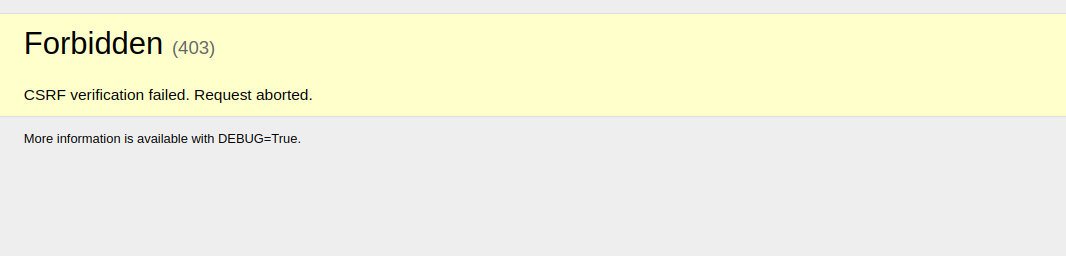
Lösung
Dieser Fehler tritt aufgrund eines Problems in der Konfiguration auf, die vom Docker-Skript erzeugt wird:
seahub_settings.py
CSRF_TRUSTED_ORIGINS = ['http://https://seafile.mydomain.com']Um ihn zu beheben, entfernen Sie das doppelte Protokoll (http://https://) aus der Variable CSRF_TRUSTED_ORIGINS in der Datei seahub_settings.py, die sich in seafile_data/seafile/conf/seahub_settings.py befindet (seafile_data ist in den seahub-Container nach /shared gemountet).
Sie können auch dieses Skript verwenden:
fix_csrf_trusted_origins.sh
sed -i -e 's#http://https://#https://#g' seafile_data/seafile/conf/seahub_settings.py
sed -i -e 's#https://https://#https://#g' seafile_data/seafile/conf/seahub_settings.pyErgebnis:
seahub_settings_fixed.py
CSRF_TRUSTED_ORIGINS = ['https://seafile.mydomain.com']Starten Sie danach die Seafile-Instanz neu, z.B. mit
restart_seafile.sh
docker-compose restartCheck out similar posts by category:
Seafile
If this post helped you, please consider buying me a coffee or donating via PayPal to support research & publishing of new posts on TechOverflow