


問題:
Visual Studio Code で PlatformIO を開こうとすると、次のエラーメッセージが表示されます:
error.txt
PlatformIO: Can not find working Python 3.6+ Interpreter. Please install the latest Python 3 and restart VSCode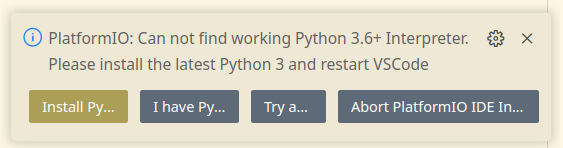
Python3 が既にインストールされているにもかかわらず、です。
解決策
ここでの問題は PlatformIO が Python 3 を見つけられないことではなく、お使いの Python バージョンに venv(仮想環境)がインストールされていないことです!
Ubuntu/Debian では、次のコマンドでインストールできます:
install_venv.sh
sudo apt -y install python3-venvあるいは、pip を使用してインストールすることもできます:
install_virtualenv.sh
pip install virtualenv
同じカテゴリの類似記事をチェック:
PlatformIO Python
この記事が役に立った場合は、TechOverflow での新しい記事の調査と公開を支援するため、「Buy Me a Coffee」でのご支援、または PayPal 経由でのご寄付をご検討ください
