
如何在 FreePBX 中更改 SIP 端口
为了将 chan_pjsip 的 SIP 端口从默认端口 5060 更改为自定义值,首先转到 Settings => Asterisk SIP Settings
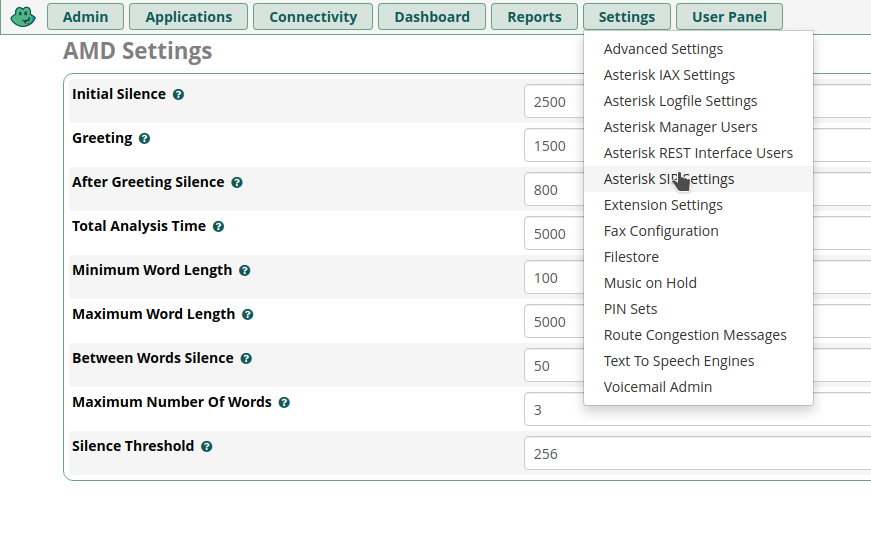
然后转到 SIP settings [chan_pjsip] 标签:

现在滚动到页面底部并查找 Port to Listen On:
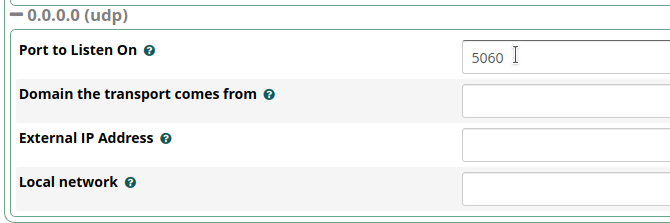
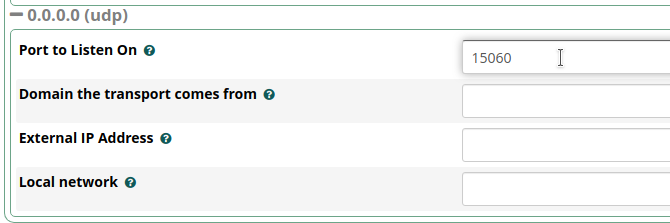
将其更改为所需端口,例如 15060
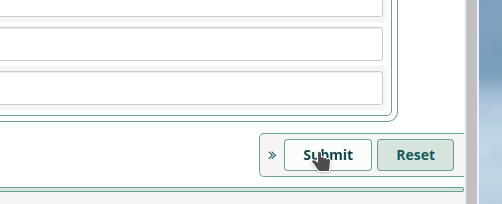
点击右下角的 Submit
之后,不要忘记点击右上角的 Apply Config

更改后你还需要重启 Asterisk。
Check out similar posts by category:
FreePBX
If this post helped you, please consider buying me a coffee or donating via PayPal to support research & publishing of new posts on TechOverflow