
如何检查 MikroTik RouterOS 许可证级别
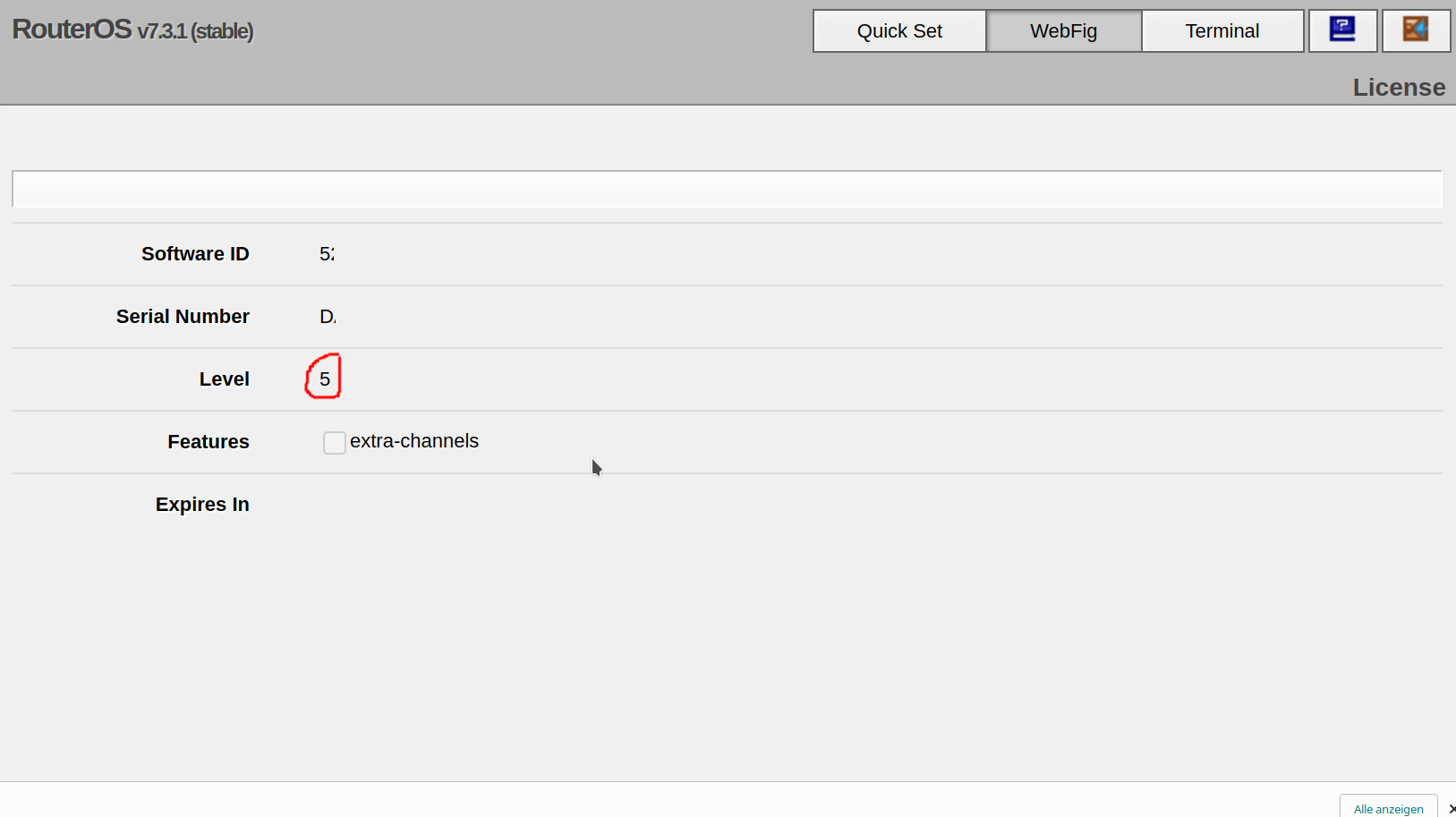
如何使用 Web 界面查找 RouterOS 许可证
在 WebFig Web UI 中,你可以通过点击 System -> License 检查许可证级别
如何使用终端查找 RouterOS 许可证级别
运行以下命令:
how-to-check-mikrotik-routeros-license-level.rsc
/system license print查找 nlevel 行。在以下示例中,MikroTik RouterOS 许可证级别为 Level 5:
check_license_example.rsc
[admin@MyRouter] > /system license print
  software-id: 5ABC-DEF0
       nlevel: 5
features:Check out similar posts by category:
MikroTik, Networking
If this post helped you, please consider buying me a coffee or donating via PayPal to support research & publishing of new posts on TechOverflow