
如何使用右键从 Jupyter Notebook 保存图像
当你在 Jupyter 中右键单击绘图时,你将看到 Jupyter 菜单弹出,而不是允许你将图像保存到计算机或复制到剪贴板的正常右键菜单。
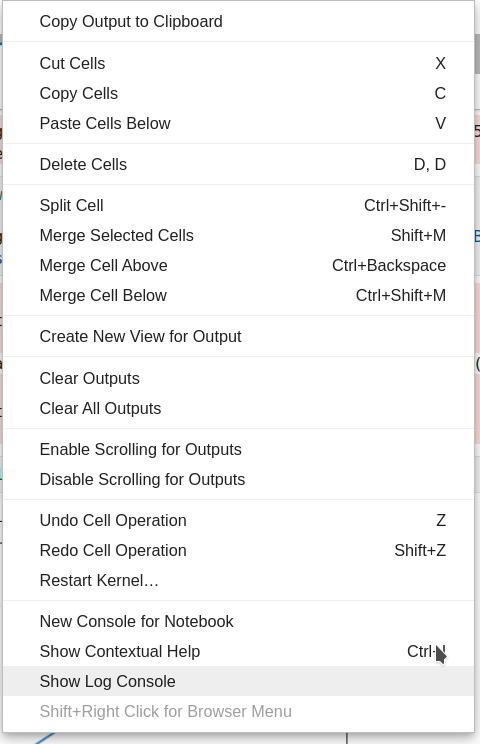
但是,有一个简单的解决方法:你可以只需 Shift+右键单击 来查看正常的右键菜单,然后将图像保存到文件。
Check out similar posts by category:
Jupyter
If this post helped you, please consider buying me a coffee or donating via PayPal to support research & publishing of new posts on TechOverflow