
如何将现有 C/C++ 源文件导入 STM32CubeIDE
在 STM32CubeIDE 中,首先为你的源文件创建一个文件夹。为此,右键单击你的项目并选择 New -> Folder:
步骤 1:创建文件夹
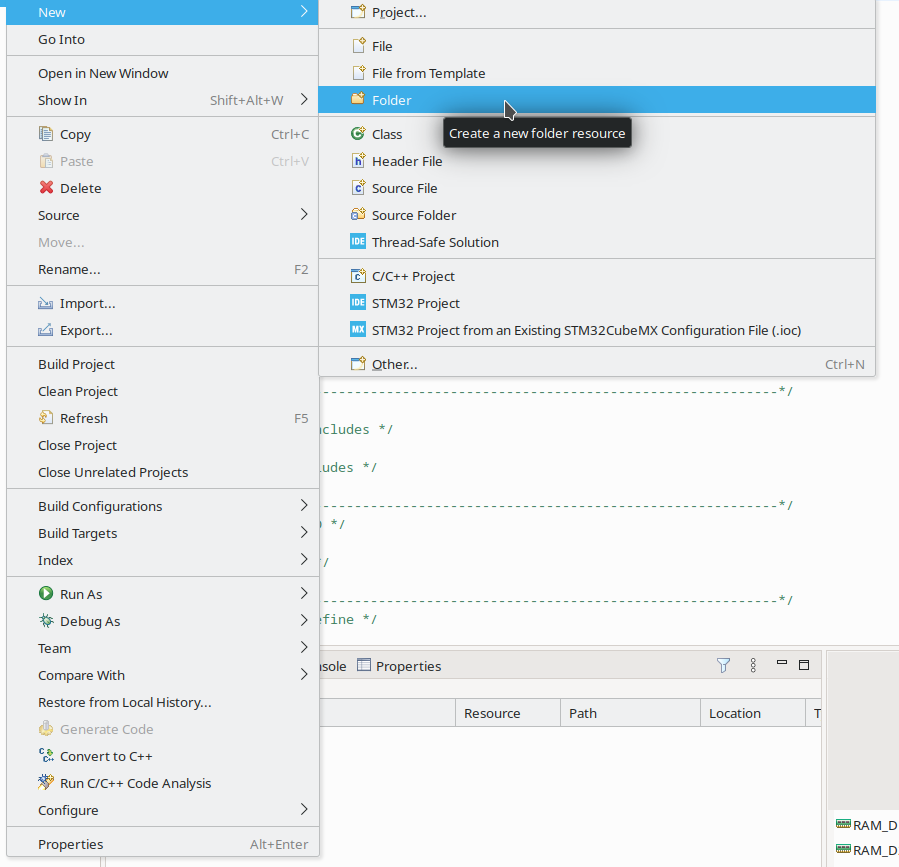
在打开的对话框中,选择要创建文件夹的正确位置(项目和可选子文件夹)。在此示例中,我们将使用 occutils。
步骤 2:导入文件
右键单击你要将文件导入到的文件夹并点击 Import:
现在点击 General -> File system。
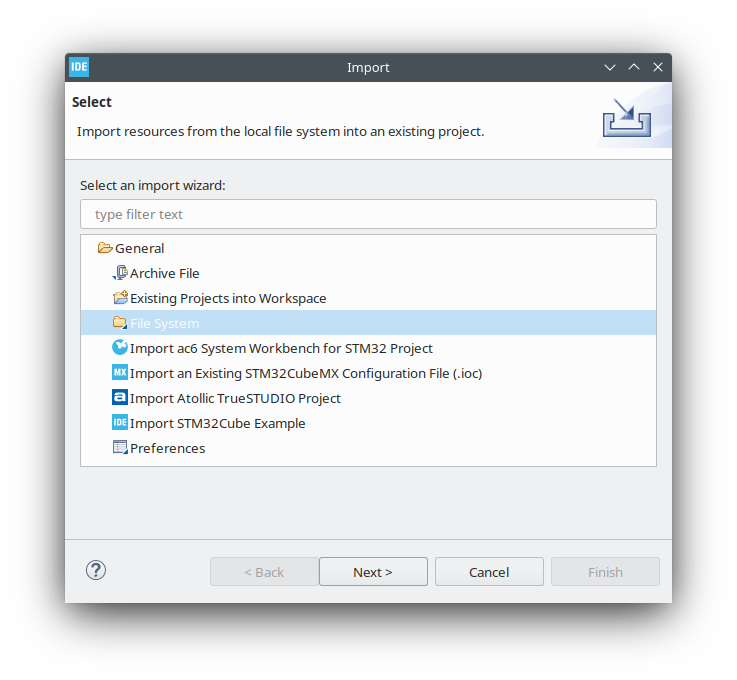
在打开的对话框中,选择你要从中导入文件的 From directory。
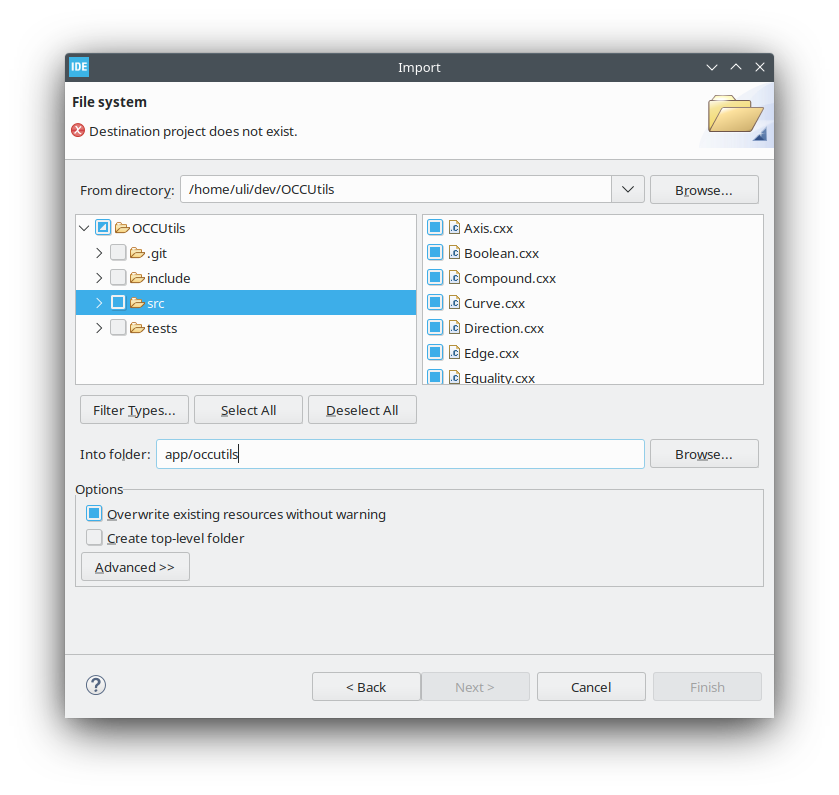 并点击
并点击 Finish。之后,你的文件将包含在项目中。
Check out similar posts by category:
STM32
If this post helped you, please consider buying me a coffee or donating via PayPal to support research & publishing of new posts on TechOverflow