
如何修复 Linux 上的 PlatformIO:'Can not find working Python 3.6+ interpreter'
问题:
尝试在 Visual Studio Code 中打开 PlatformIO 时,你看到以下错误消息:
error.txt
PlatformIO: Can not find working Python 3.6+ Interpreter. Please install the latest Python 3 and restart VSCode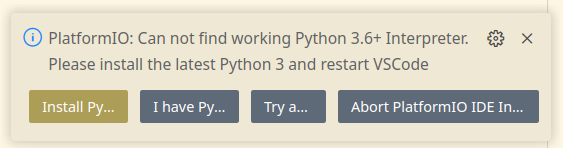
即使你已经安装了 Python3。
解决方案
这里的问题不是 PlatformIO 找不到 Python 3,而是你的 Python 版本没有安装 venv(虚拟环境)!
在 Ubuntu/Debian 上,你可以使用以下命令安装
install_venv.sh
sudo apt -y install python3-venv或者你可以使用 pip 安装:
install_virtualenv.sh
pip install virtualenvCheck out similar posts by category:
PlatformIO, Python
If this post helped you, please consider buying me a coffee or donating via PayPal to support research & publishing of new posts on TechOverflow