
CadQuery 草图:如何移动到不同位置
要在 CadQuery 草图中移动到特定位置,使用 .push(cq.Location(...))
完整示例
sketch_move_location.py
import cadquery as cq

# Create workplane (2d coordinate system for us to create the sketch in)
wp = cq.Workplane("XY")
# Create sketch
result = wp.sketch().push(cq.Location((1,0.5,0))).rect(1,1).finalize().extrude(0.1)

result # This line is just to show the result in cq-editor or jupyter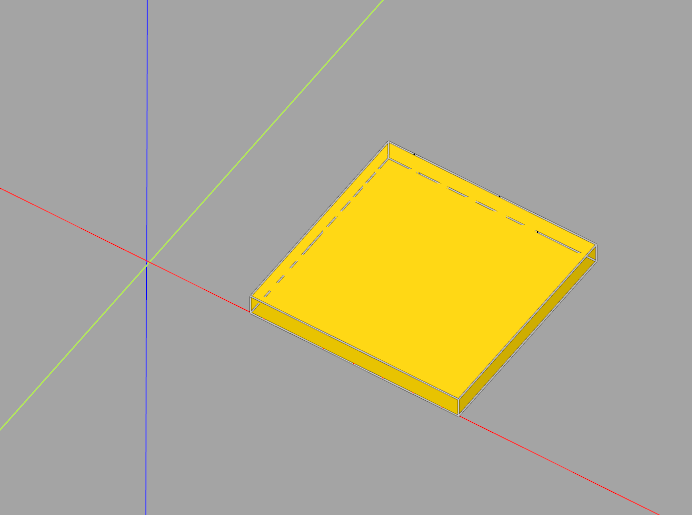
If this post helped you, please consider buying me a coffee or donating via PayPal to support research & publishing of new posts on TechOverflow