
如何修复 Docker Seafile Forbidden - CSRF verification failed
问题
启动 dockerized Seafile 实例时,你可能会在登录后直接看到以下错误消息:
seafile_error.txt
Forbidden (403)
CSRF verification failed. Request aborted.

More information is available with DEBUG=True.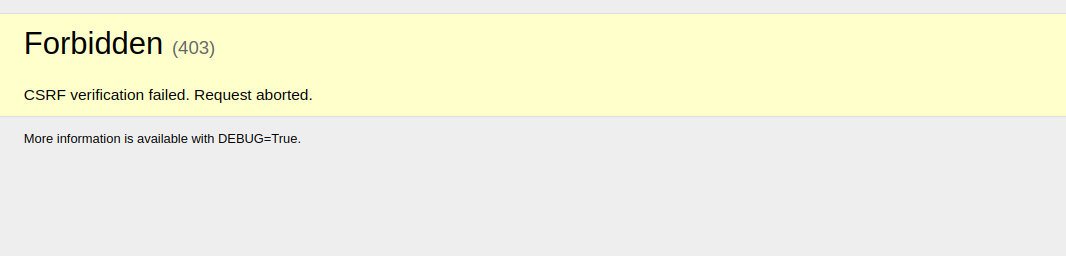
解决方案
此错误是由于 Docker 脚本生成的配置中的问题导致的:
seahub_settings.py
CSRF_TRUSTED_ORIGINS = ['http://https://seafile.mydomain.com']要修复此问题,从 seahub_settings.py 文件中的 CSRF_TRUSTED_ORIGINS 变量中删除双重协议(http://https://),该文件位于 seafile_data/seafile/conf/seahub_settings.py(seafile_data 挂载到 seahub 容器中的 /shared)。
你也可以使用此脚本:
fix_csrf_trusted_origins.sh
sed -i -e 's#http://https://#https://#g' seafile_data/seafile/conf/seahub_settings.py
sed -i -e 's#https://https://#https://#g' seafile_data/seafile/conf/seahub_settings.py结果:
seahub_settings_fixed.py
CSRF_TRUSTED_ORIGINS = ['https://seafile.mydomain.com']之后,重启 Seafile 实例,例如使用
restart_seafile.sh
docker-compose restartCheck out similar posts by category:
Seafile
If this post helped you, please consider buying me a coffee or donating via PayPal to support research & publishing of new posts on TechOverflow